Most people don’t think about backups—until they desperately need one.
At PLiKhost, we’ve seen firsthand how CodeGuard, our daily automated backup solution, has helped website owners bounce back from disaster in minutes—not days.
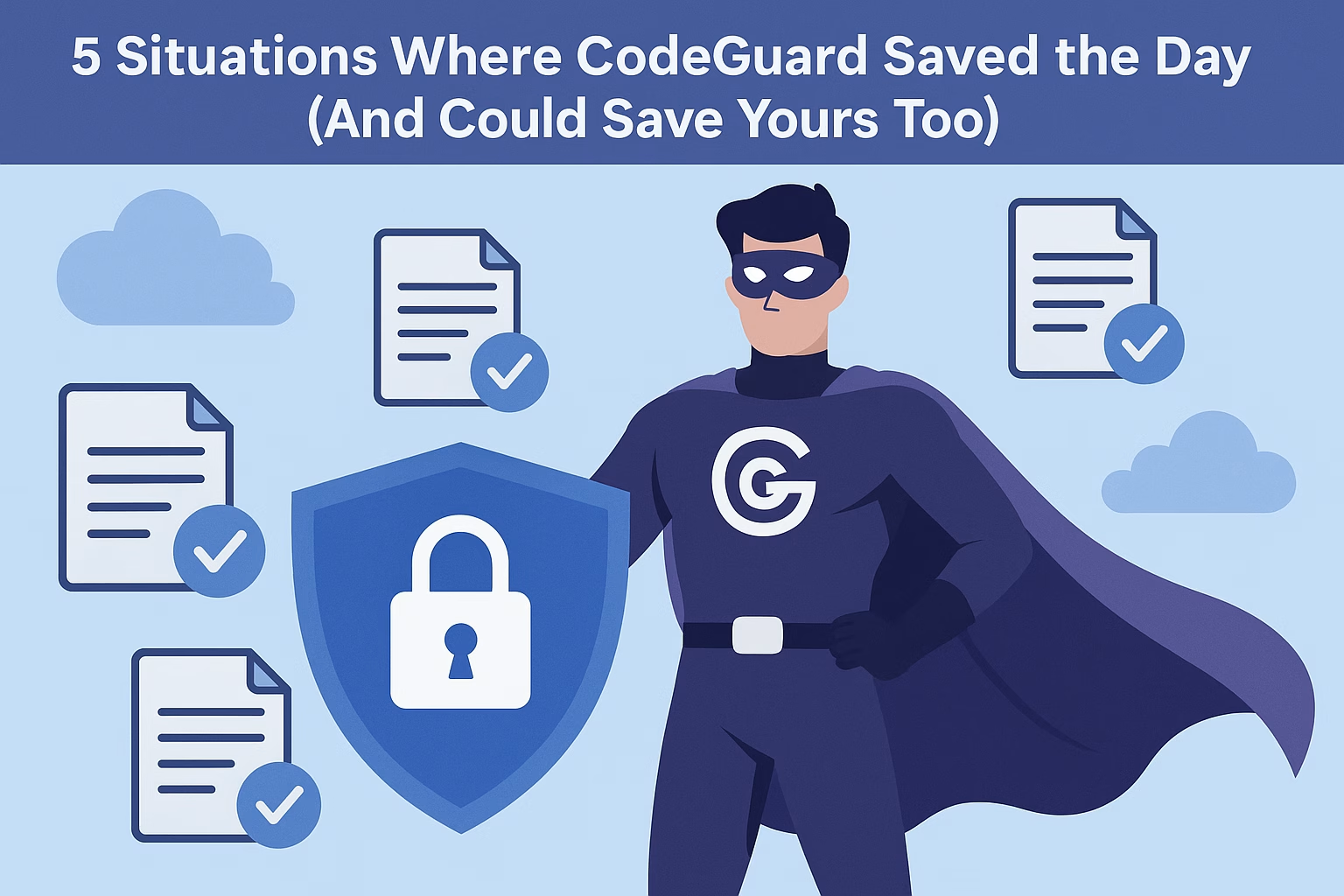
Here are 5 real-world scenarios where CodeGuard saved the day… and how it could save yours too.
☠️ 1. A Plugin Update Crashed the Entire Site
The situation:
A WordPress user updated a plugin that hadn’t been tested with the latest core version.
The site immediately showed a white screen of death.
Without CodeGuard:
They would’ve needed a developer or tried rolling back manually—if they had a backup.
With CodeGuard:
They logged into their dashboard, selected the previous day’s version, clicked “Restore”—and the site was live again in 2 minutes.
🔄 One click. Full recovery. No panic.
💣 2. Malware Injected Spam Into Hundreds of Pages
The situation:
A small business site was hacked through a vulnerable contact form.
The attacker injected spammy links into dozens of blog posts, hidden from plain view.
Without CodeGuard:
The owner would’ve needed to check each page manually or pay for malware cleanup services.
With CodeGuard:
They restored the clean version from two days ago and eliminated the threat without touching a line of code.
🔐 CodeGuard isn’t just a backup—it’s your best malware recovery tool.
🧼 3. A New Developer Accidentally Deleted an Entire Folder
The situation:
A freelance developer was making design changes and mistakenly deleted the entire /uploads folder in WordPress.
Without CodeGuard:
All images, PDFs, and media files were gone—possibly forever.
With CodeGuard:
They restored just the /uploads folder from the previous backup—no need to revert the entire site.
🧠 Precision restore saves time, effort, and client trust.
🧪 4. A Failed Site Migration Caused Data Loss
The situation:
A website was moved to a new server, but something went wrong during database import.
Orders and blog posts from the past week were missing.
Without CodeGuard:
Unless they had a recent manual backup (which they didn’t), the data was gone.
With CodeGuard:
They restored the database from yesterday’s backup—everything came back instantly.
🔁 Perfect for reversing partial migration failures.
👨💻 5. Client Made Changes and Demanded a Rollback
The situation:
A client insisted on editing product descriptions themselves—only to regret it a day later.
They wanted everything back to how it was… yesterday.
Without CodeGuard:
The agency would’ve had to redo the content manually (if they even had copies).
With CodeGuard:
They rolled back the site to the previous morning’s version—saving hours of work and making the client happy.
💡 When clients change their mind, CodeGuard lets you change time.
✅ Final Thoughts
Whether it’s human error, malware, failed updates, or unhappy clients—CodeGuard gives you an undo button for your entire website.
At PLiKhost, we’ve seen CodeGuard save businesses, bloggers, agencies, and freelancers from total website disasters.
🎯 You don’t realize how valuable backups are—until you really need them.
🟢 Add CodeGuard to your PLiKhost hosting today and give yourself a way out when things go wrong.