You’ve probably heard that a dedicated server offers better performance, reliability, and control.
But what exactly makes it powerful?
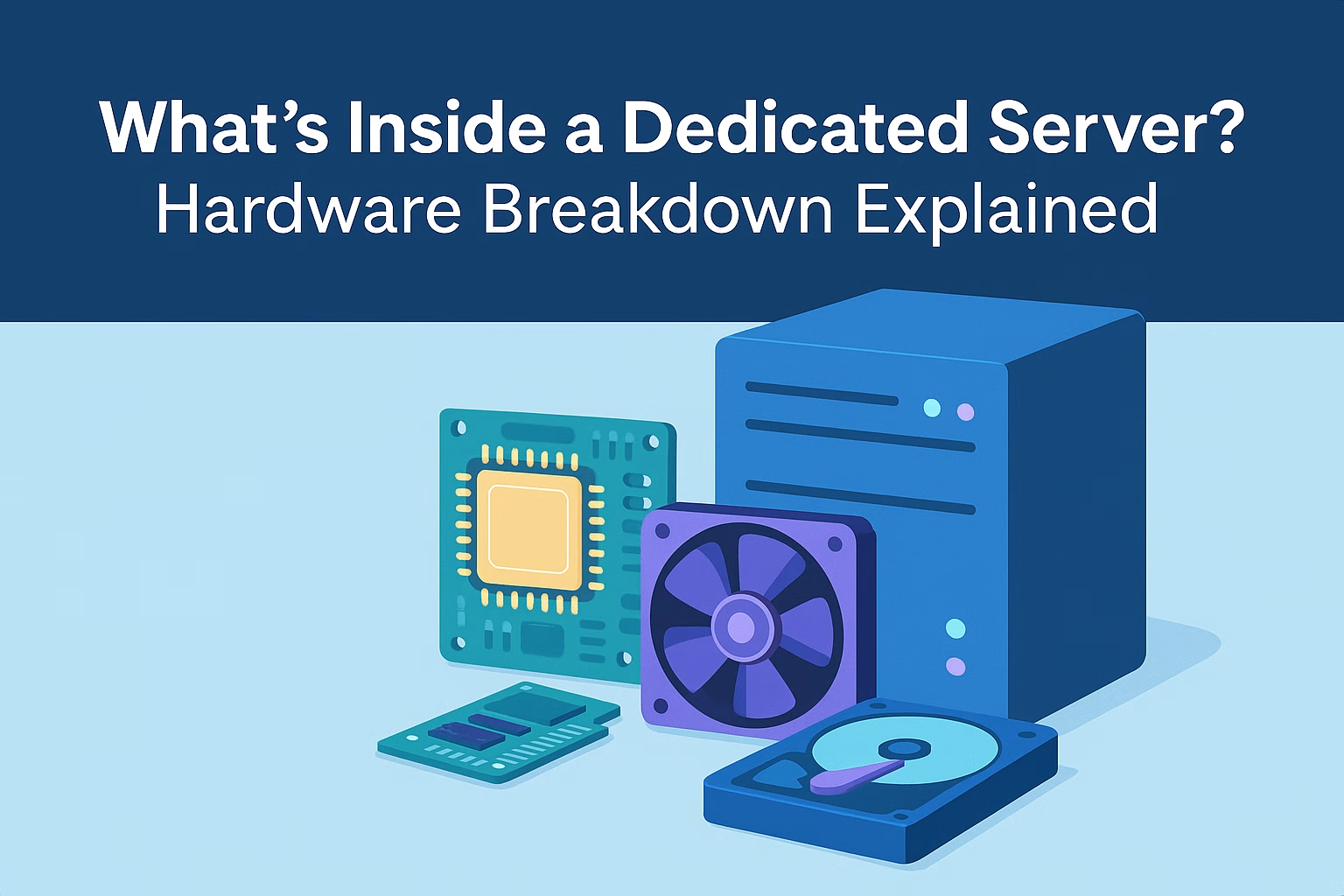
Behind the scenes, a dedicated server is packed with enterprise-grade hardware — built to handle demanding websites, custom applications, or mission-critical business systems.
Let’s open the hood and explore the key components that power a dedicated server.
🧠 1. CPU (Processor)
What it does:
Acts as the brain of the server. It handles all computation — from running scripts and managing databases to delivering content to users.
What to look for:
-
Intel Xeon or AMD EPYC processors are common in servers
-
Multiple cores and threads for parallel tasks
-
High clock speed = faster processing per task
💡 Ideal for: applications with high concurrency, large CMS platforms, game servers, and video processing.
🧮 2. RAM (Memory)
What it does:
RAM stores temporary data for fast access. The more RAM, the more simultaneous processes the server can handle smoothly.
What to look for:
-
16 GB is good for basic setups
-
32 GB+ for e-commerce, multi-app hosting, or large databases
-
ECC RAM (Error-Correcting Code) for better stability in enterprise use
🔄 RAM is crucial for caching, search queries, user sessions, and background jobs.
💾 3. Storage (SSD / HDD / NVMe)
What it does:
Stores all your data — including websites, applications, media, databases, and OS.
Types:
-
HDD (Hard Disk Drive): High capacity, slower, still used for backup
-
SSD (Solid State Drive): Faster than HDD, suitable for web hosting
-
NVMe (Non-Volatile Memory Express): Ultra-fast — best for high I/O workloads
RAID configuration may also be used for data redundancy and better read/write performance.
🟢 At PLiKhost, SSD or NVMe is used as primary storage, with HDD for backup.
🌐 4. Network Interface (NIC)
What it does:
Connects your server to the internet and data center network.
Specs to consider:
-
1 Gbps ports are standard
-
10 Gbps for high-bandwidth applications (video, downloads, game servers)
-
Support for multiple IP addresses (for multi-site hosting or private networks)
📡 Higher bandwidth = faster content delivery and smoother user experience.
🔌 5. Power Supply Unit (PSU)
What it does:
Delivers stable electrical power to the entire machine.
In enterprise setups:
-
Often redundant (dual PSU) for uptime assurance
-
Monitored for voltage consistency and heat
🔋 Hidden but critical — a failed PSU means a dead server.
📀 6. Motherboard & Expansion Slots
What it does:
Connects all components and manages communication between them.
Why it matters:
-
Determines CPU compatibility
-
Supports multiple RAM slots
-
Allows for expansion (e.g., GPU for AI workloads, extra NICs, storage controllers)
🧩 Useful for future-proofing and hardware upgrades.
🔐 7. Cooling & Chassis
What it does:
Keeps the server from overheating.
-
Includes fans, heat sinks, and sometimes liquid cooling
-
Housed in rack-mounted enclosures with airflow management
🌡️ Stable temperature = longer hardware lifespan and better performance.
🟢 What You Get with a PLiKhost Dedicated Server
Our servers are optimized with:
-
✅ Intel Xeon CPUs
-
✅ SSD or NVMe primary storage
-
✅ HDD local backup
-
✅ Full root access and OS flexibility
-
✅ Optional RAID, multiple IPs, and control panels
-
✅ Local & remote backup options
-
✅ Secure environment with Imunify360
You get real, raw power — fully customizable to your business needs.
Final Thoughts
A dedicated server isn’t just “bigger hosting” — it’s an entire physical machine built to deliver performance, stability, and security.
Understanding the hardware behind it helps you make smarter choices when choosing a plan, configuring your server, or scaling your infrastructure.
🟢 Explore PLiKhost Dedicated Server Plans
Power that’s visible — and fully in your hands.