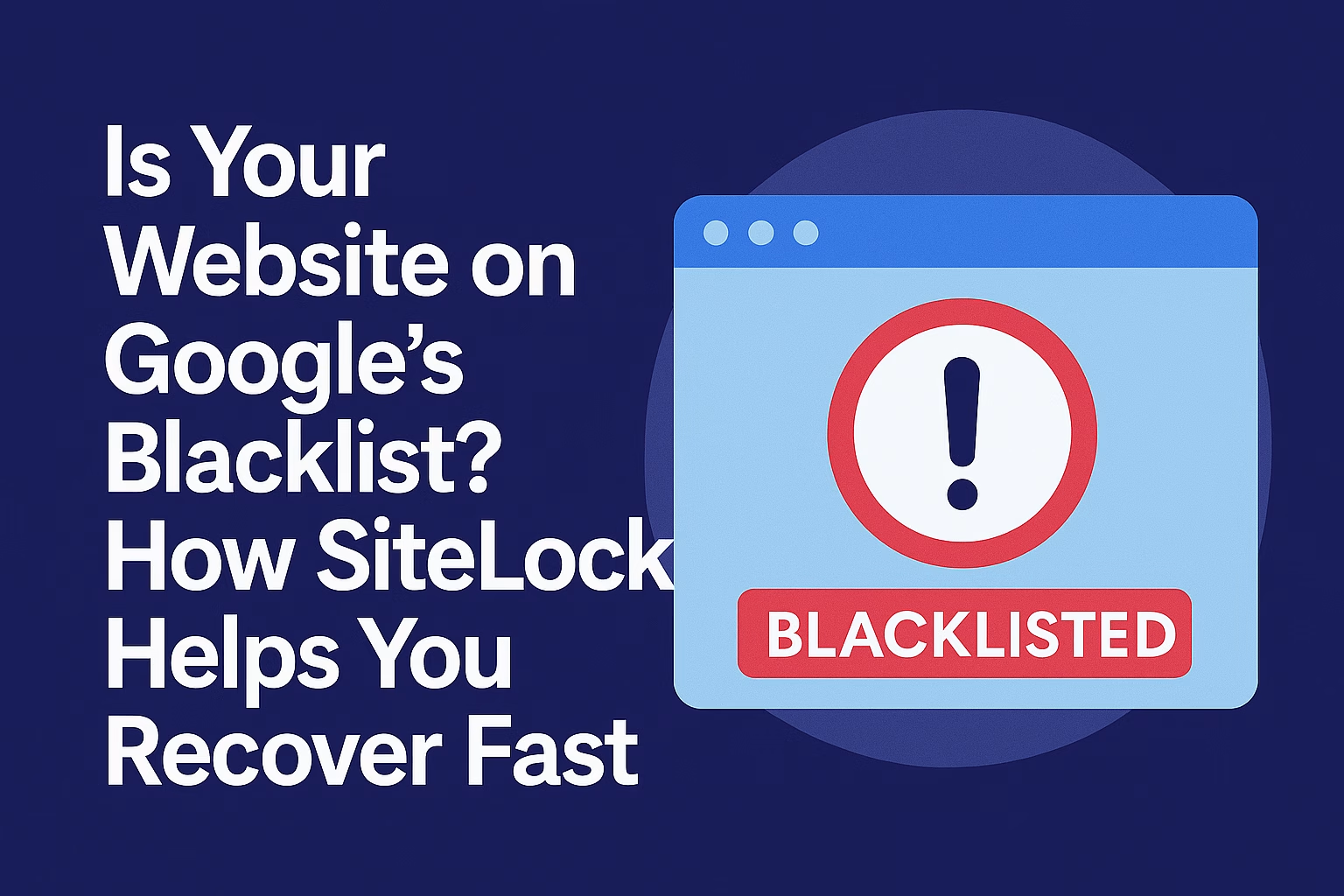
Google blacklist recovery becomes urgent when your website suddenly displays security warnings or disappears from search results. Unfortunately, many website owners don’t realize there’s a problem until it’s too late.
You’ve worked hard to build your website, invested in SEO, and perhaps even spent money on ads. However, one security incident can undo months of hard work.
Then, one day, your traffic suddenly drops. Soon after, visitors see alarming warnings such as:
- “Deceptive site ahead”
- “This site may harm your computer”
As a result, your website can lose trust, organic traffic, and revenue within hours. Fortunately, with the right security solution, you can recover quickly and prevent the same issue from happening again.
Here’s how websites get blacklisted—and how SiteLock, available with PLiKhost hosting, helps you recover quickly and stay off the list for good.
🧨 What Is Google’s Blacklist?
When Google detects that your website contains:
-
Malware or viruses
-
Phishing scripts
-
Spammy redirects or content injections
-
Suspicious behavior (like sending spam emails)
…they add your site to a security blacklist used by:
-
Chrome
-
Firefox
-
Safari
-
Search results
-
Google Ads & Gmail spam filters
Even if you didn’t put malware there—it’s your responsibility to fix it.
⚠️ How to Tell If You’re Blacklisted
Signs you’ve been flagged by Google:
-
A red security warning page before your site loads
-
Search results show: “This site may harm your computer”
-
Sudden drop in search traffic
-
Google Search Console sends a “Security Issue” alert
-
Email delivery drops or gets marked as spam
Unfortunately, most site owners don’t realize they’ve been blacklisted until visitors start complaining.
🔍 Why Blacklisting Happens
In most cases, blacklisting happens because of:
-
Outdated WordPress plugins or themes
-
Malware injections (scripts added to your files)
-
Hidden spam links in posts or pages
-
Contact forms used for email spam
-
No security plugin or firewall
🔓 In most cases, the website owner isn’t even aware they’ve been hacked.
🛡️ How SiteLock Helps You Recover (Fast)
✅ 1. Daily Malware Scanning
SiteLock detects malware the moment it appears—even the kind that hides deep in your PHP files, themes, or databases.
✅ 2. Automatic Malware Removal
With SMART (Secure Malware Alert & Removal Tool), SiteLock automatically cleans infected files, so you don’t need to hire a developer.
✅ 3. Reputation Monitoring
SiteLock checks Google, Norton, Spamhaus, and other major blacklists daily—so you get alerted early and can act fast.
✅ 4. Google Blacklist Recovery Support
Once your site is clean, SiteLock can help you:
-
Request a re-review from Google
-
Submit security reports and cleanup confirmation
-
Get your site delisted faster
The sooner you act, the faster Google removes the warning.
🧘♂️ Stay Off the List for Good
Once restored, SiteLock keeps your website protected with:
-
Web Application Firewall (WAF) to block hackers
-
Bad bot filtering
-
Auto-scan & clean every 24 hours
-
Real-time threat alerts
With this, you’re no longer reacting to attacks—you’re preventing them.
✅ Final Thoughts
Being blacklisted by Google is scary, but you don’t have to face it alone.
SiteLock + PLiKhost gives you the tools to:
-
Detect malware fast
-
Clean your site safely
-
Restore your reputation
-
Stay off blacklists permanently
🟢 Add SiteLock to your PLiKhost hosting today and protect your site from search engine penalties.