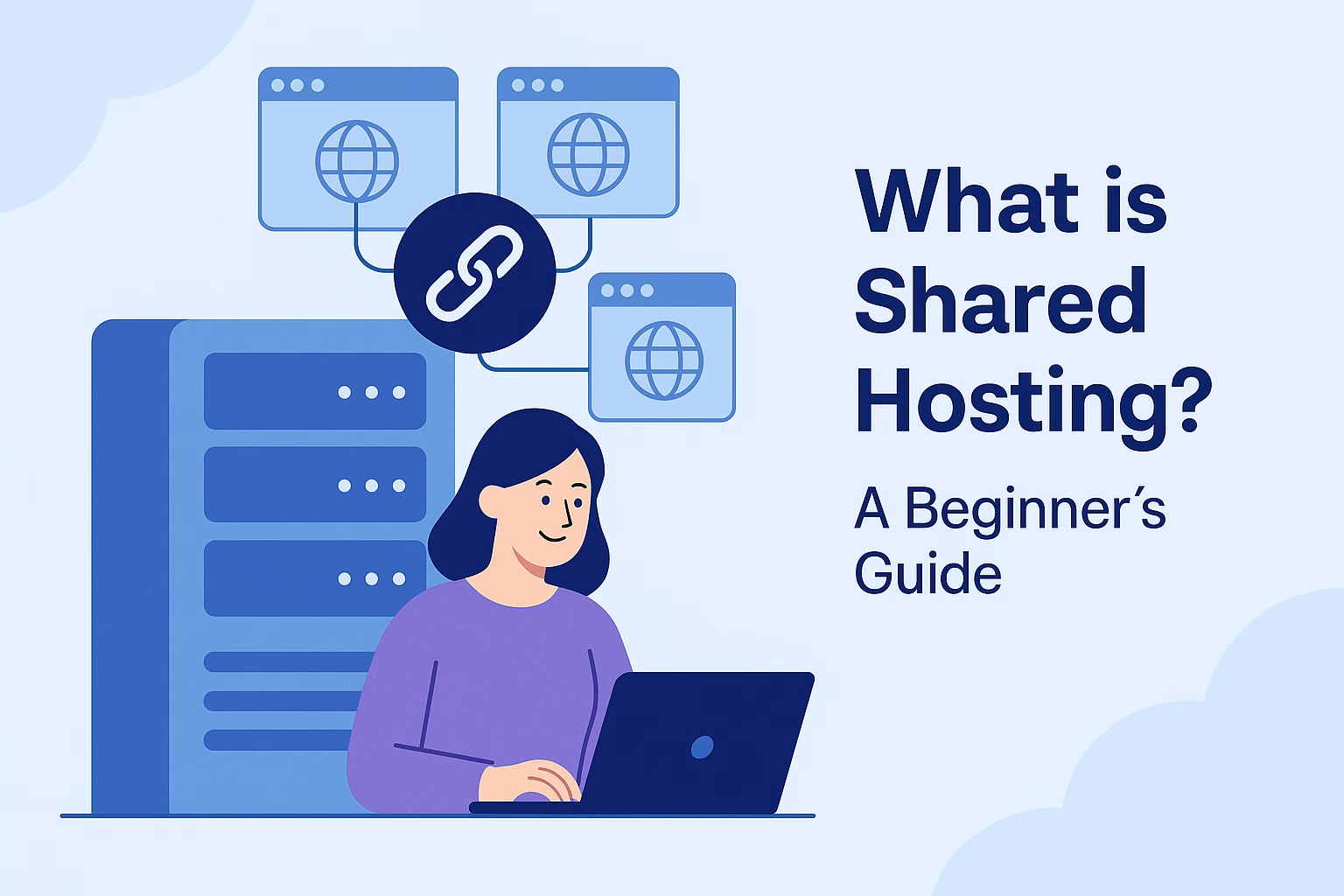
What Is Shared Hosting? A Beginner’s Guide
Starting a website for the first time can feel confusing, especially when choosing a hosting service. Many beginners want a hosting solution that is affordable, easy to use, and simple to manage.
Shared hosting has become one of the most popular options for blogs, business websites, portfolios, and small online projects because it offers a practical way to launch a website without high costs or technical complexity.
In this guide, you’ll learn how this hosting environment works, its advantages, and when it makes sense to upgrade later.
🌐 How Shared Hosting Works
In a shared hosting environment, multiple websites use the same server and share resources such as CPU, RAM, storage, and bandwidth.
A simple way to understand this setup is by comparing it to an apartment building. Each resident has their own private room, but everyone shares the same building infrastructure.
Similarly, every website has its own files and settings while using the same physical server.
Because server costs are divided among many users, hosting providers can offer lower pricing compared to VPS or dedicated hosting services.
According to <a href=”https://www.cloudflare.com/learning/web-hosting/what-is-web-hosting/” target=”_blank” rel=”noopener”>Cloudflare</a>, web hosting allows websites to stay accessible online through connected servers.
✅ Benefits of Shared Hosting
💸 Affordable Pricing
One of the biggest advantages of this hosting solution is affordability. Therefore, it works well for beginners, students, startups, and small businesses.
🛠 Beginner-Friendly Management
Most hosting providers include easy-to-use tools such as:
- cPanel
- WordPress installer
- Email hosting
- File Manager
- SSL certificates
As a result, website owners can manage their websites without advanced server knowledge.
🚀 Fast Website Setup
Modern hosting plans usually provide 1-click installers for WordPress and other CMS platforms.
Because of this, users can launch websites within minutes instead of manually configuring servers.
🔒 Security Features Included
Most providers also include security protections such as:
- SSL encryption
- Malware scanning
- Firewall protection
- Automated backups
At PLiKhost, hosting accounts also include CloudLinux stability and Imunify360 security protection.
🚦 Limitations to Consider
Although this hosting environment is suitable for many websites, there are still some limitations.
Since server resources are shared, heavy traffic on another account may occasionally affect performance. In addition, users usually do not get root access or advanced server configuration options.
Because of this, websites with high traffic or resource-heavy applications may eventually require VPS or dedicated hosting.
👨💻 Who Should Use This Hosting Solution?
This type of hosting works best for:
- Blogs
- Portfolio websites
- Company profiles
- Small online stores
- Landing pages
- Beginner WordPress websites
In general, it is ideal for websites with low to medium traffic levels.
🔁 Can You Upgrade Later?
Absolutely.
Many website owners begin with beginner hosting plans before upgrading as traffic and business needs grow. Fortunately, moving to VPS or higher hosting packages is usually simple and smooth.
Explore our Shared hosting Plans to find the right hosting solution for your website.
Final Thoughts
Shared hosting remains one of the easiest and most affordable ways to launch a website online. It offers enough performance for many small to medium-sized projects while keeping management simple for beginners.
For blogs, business websites, and startup projects, this hosting option continues to be a smart place to start.
🟢 Ready to launch your website?
Start with PLiKhost and build your online presence with confidence.


