Introduction
Most businesses understand the importance of creating backups.
Whether it’s a website, database, email server, virtual machine, or business application, backups are often considered the last line of defense against data loss.
However, many organizations make a dangerous assumption:
If backups are running, everything is fine.
Unfortunately, this isn’t always true.
A backup that cannot be restored is effectively worthless during an emergency.
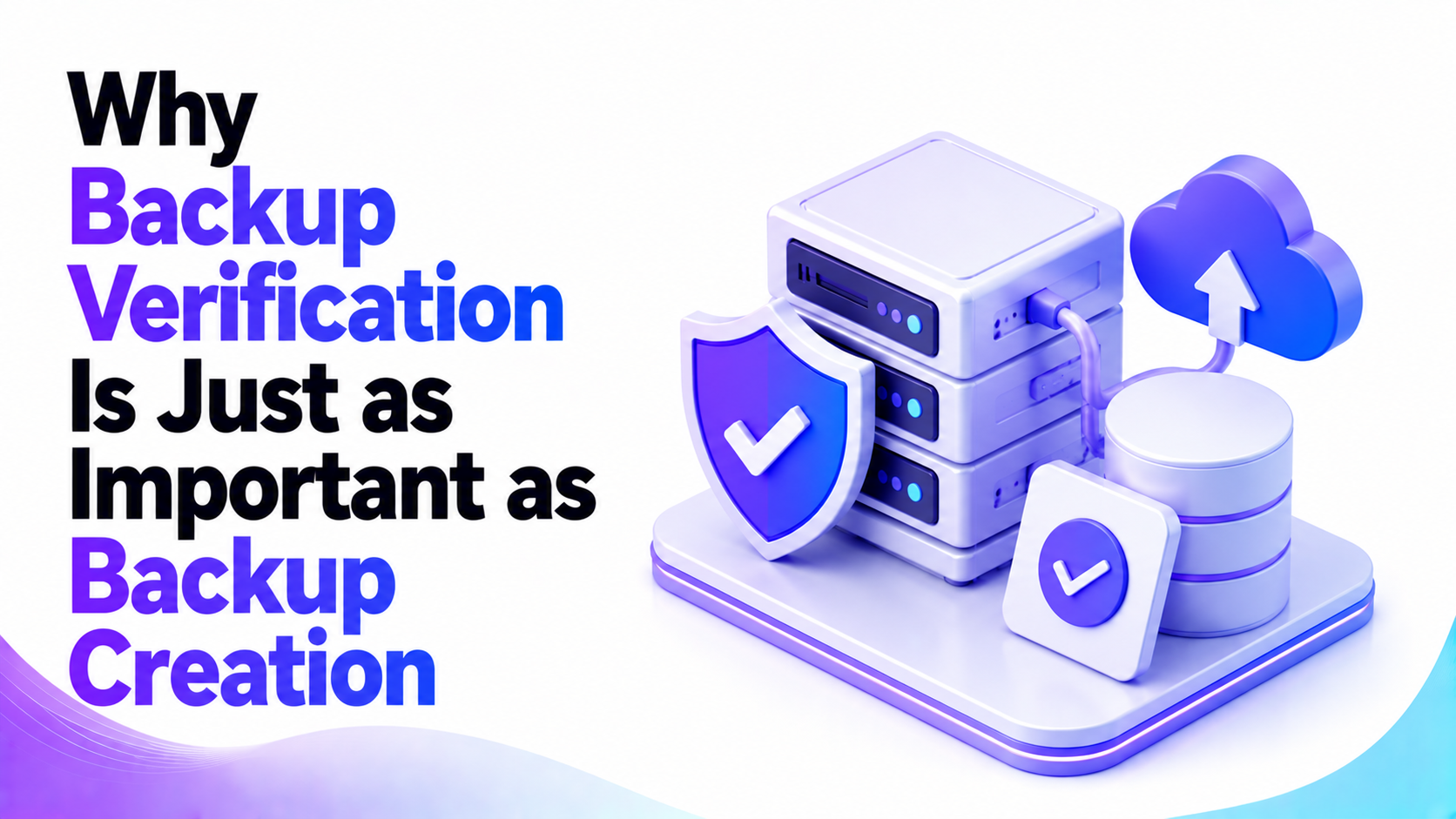
This is why backup verification is just as important as backup creation.
Many companies discover backup failures only when disaster strikes. By that point, data may be unrecoverable, downtime may be extended, and business operations may suffer significant disruption.
In this article, we’ll explore what backup verification is, why it matters, and how organizations can use it to strengthen their disaster recovery strategy.
What Is Backup Verification?
Backup verification is the process of confirming that backups are:
- Successfully completed
- Free from corruption
- Accessible when needed
- Restorable to a usable state
The purpose is simple:
Ensure your backup can actually be recovered during an emergency.
Creating a backup file is only the first step.
Verification confirms that the backup will perform as expected when restoration becomes necessary.
Why Backup Creation Alone Is Not Enough
Many backup systems generate reports indicating that a backup completed successfully.
However, successful completion does not automatically mean the backup is usable.
Several problems can occur behind the scenes.
Examples include:
- Corrupted backup files
- Incomplete backups
- Storage failures
- Permission issues
- Recovery errors
Without verification, these issues may remain hidden until recovery is attempted.
The False Sense of Security Problem
One of the biggest dangers associated with backups is the false sense of security they can create.
Many organizations assume:
- Backup jobs completed
- Backup files exist
- Therefore recovery is guaranteed
Unfortunately, reality is often different.
Businesses frequently discover that backups are unusable only after:
- Hardware failures
- Ransomware attacks
- Database corruption
- Accidental deletion
- Server compromise
By then, recovery options may be limited.
What Can Cause Backup Failures?
Backup systems are not immune to technical issues.
Several factors can affect backup integrity.
Storage Failures
Backup storage devices can experience:
- Disk failures
- RAID issues
- File system corruption
The backup process may complete while the stored data remains damaged.
Network Interruptions
Remote backup systems depend on reliable connectivity.
Interrupted transfers can create incomplete backup sets.
Software Errors
Backup applications occasionally encounter:
- Configuration issues
- Software bugs
- Compatibility problems
These issues may affect backup quality.
Human Error
Examples include:
- Incorrect backup settings
- Accidental deletion
- Misconfigured retention policies
Human mistakes remain a common cause of backup-related failures.
Why Backup Verification Matters
Backup verification provides confidence that recovery is possible.
Improved Disaster Recovery Readiness
Organizations can recover more quickly when backups have been tested successfully.
Reduced Downtime
Verified backups reduce uncertainty during emergencies.
Better Business Continuity
Operations can resume faster when recovery procedures are known to work.
Increased Confidence
Administrators gain assurance that critical data remains protected.
Backup Verification vs Backup Testing
These terms are often used interchangeably, but they are slightly different.
Backup Verification
Confirms:
- Backup files exist
- Files are readable
- Backup integrity remains intact
Backup Testing
Confirms:
- Data can actually be restored
- Applications function properly after restoration
- Recovery objectives can be achieved
The strongest disaster recovery strategies include both.
Common Backup Verification Methods
Organizations use several approaches to verify backups.
Integrity Checks
Many backup solutions perform checksum validation to detect corruption.
File Verification
The backup software confirms all expected files exist within the backup set.
Automated Verification
Modern backup platforms often include built-in verification tools.
Recovery Testing
Administrators perform actual restoration exercises.
Recovery testing provides the highest level of confidence.
The Importance of Recovery Testing
A backup is only valuable if it can be restored successfully.
Recovery testing validates:
- Backup integrity
- Recovery procedures
- Recovery timelines
- System functionality
What Should Be Tested?
Examples include:
- Website restoration
- Database recovery
- Virtual machine recovery
- Application restoration
- File recovery
Testing reveals problems before emergencies occur.
How Backup Verification Supports Disaster Recovery
Disaster recovery depends heavily on backup reliability.
Common disaster scenarios include:
- Hardware failures
- Cyberattacks
- Ransomware incidents
- Human error
- Natural disasters
During these situations, verified backups become critical.
Organizations without tested backups often face:
- Longer downtime
- Increased recovery costs
- Greater operational disruption
Backup verification improves recovery confidence and preparedness.
Backup Verification and Ransomware Protection
Ransomware remains one of the most significant threats to modern businesses.
Attackers often encrypt:
- Databases
- Application data
- File systems
- Virtual machines
Verified backups provide a recovery path without paying ransom demands.
However, only tested backups can deliver this protection reliably.
For cybersecurity guidance, businesses can consult:
How Often Should Backups Be Verified?
The ideal frequency depends on business requirements.
Monthly Verification
Suitable for:
- Small business environments
- Low-risk systems
Weekly Verification
Recommended for:
- Production servers
- Customer-facing systems
- Critical business applications
Continuous Monitoring
Appropriate for:
- Enterprise environments
- Mission-critical infrastructure
The more important the system, the more frequently verification should occur.
Warning Signs Your Backups Need Review
Several indicators suggest backup verification should be performed immediately.
Examples include:
- Failed backup jobs
- Storage warnings
- Missing backup reports
- Software upgrades
- Infrastructure changes
- Recovery errors
Ignoring these signs increases business risk.
The Cost of Failed Backups
Organizations often underestimate the consequences of backup failures.
Potential impacts include:
Extended Downtime
Recovery efforts take longer when backups fail.
Lost Data
Critical business information may become unrecoverable.
Revenue Loss
Business operations may be interrupted.
Reputational Damage
Customers may lose confidence in affected organizations.
Regulatory Consequences
Data protection obligations may be affected.
Compared to these risks, backup verification is a relatively small investment.
Backup Verification Best Practices
Follow the 3-2-1 Rule
Maintain:
- Three copies of data
- Two different storage types
- One offsite copy
Verify Backups Regularly
Do not assume successful backups are automatically recoverable.
Test Restorations
Perform periodic recovery exercises.
Monitor Backup Reports
Review failures and warnings promptly.
Document Recovery Procedures
Ensure staff understand recovery processes before emergencies occur.
Why Businesses Outsource Backup Management
Backup verification requires:
- Technical expertise
- Ongoing monitoring
- Recovery testing
- Documentation
Many organizations lack the resources to manage these processes internally.
Professional maintenance providers can help ensure:
- Backups complete successfully
- Verification occurs regularly
- Recovery testing is performed
- Risks are identified early
This improves overall business continuity.
Routine System Maintenance from PLiKhost
Backup verification is a critical component of any effective maintenance strategy.
PLiKhost’s Routine System Maintenance service includes backup monitoring, verification, and recovery validation to help ensure your data remains protected and recoverable.
Services include:
- Backup verification
- Recovery testing
- Server health monitoring
- OS and security updates
- Performance optimization
- Scheduled maintenance
- Weekly system reviews
Learn more:
https://plikhost.com/routine-system-maintenance/
Related services:
Frequently Asked Questions
What is backup verification?
Backup verification is the process of confirming that backups are complete, accessible, free from corruption, and recoverable.
Why is backup verification important?
Verification ensures backups can actually be restored during emergencies such as hardware failures, cyberattacks, or accidental deletion.
How often should backups be tested?
Most businesses should verify backups regularly and perform recovery testing at least quarterly or whenever major infrastructure changes occur.
Can a successful backup still fail during restoration?
Yes. Backup files can become corrupted or incomplete even if the backup job appears successful.
What is the difference between backup verification and backup testing?
Verification checks backup integrity, while testing confirms that data can actually be restored and used successfully.
Does backup verification help protect against ransomware?
Yes. Verified backups provide a reliable recovery path after ransomware incidents and other data loss events.
Recommended External Resources
- CISA Ransomware Resources: https://www.cisa.gov
- Microsoft Backup and Recovery Documentation: https://learn.microsoft.com
- Red Hat Backup Documentation: https://access.redhat.com/documentation
- NIST Cybersecurity Framework: https://www.nist.gov/cyberframework